Understanding Arrays in JavaScript!

When we start programming, we often store values in a single variable but what if we want to keep a set of same data in a same variable for example set of numbers, set of fruits, set of vegetables (js is somewhat special).
Example:
let fruit1 = "Apple"
let fruit2 = "Banana"
let fruit3 = "Mango"
This works. But imagine storing 50 fruits like this. It becomes messy very fast. Here comes a magical variable called arrays.
An array is a collection of values stored together in order.
But But Why We Need Arrays
Think about a list of fruits, instead of writing many variables:
let fruit1 = "Apple"
let fruit2 = "Banana"
let fruit3 = "Mango"
We can store them in one place.
let fruits = ["Apple", "Banana", "Mango"]
Now everything is inside one variable.
Creating an Array
Arrays are created using square brackets [].
Example:
let fruits = ["Apple", "Banana", "Mango"]
Accessing Elements Using Index
Each value in an array has a position called an index.
Important thing:
Index starts from 0
Example:
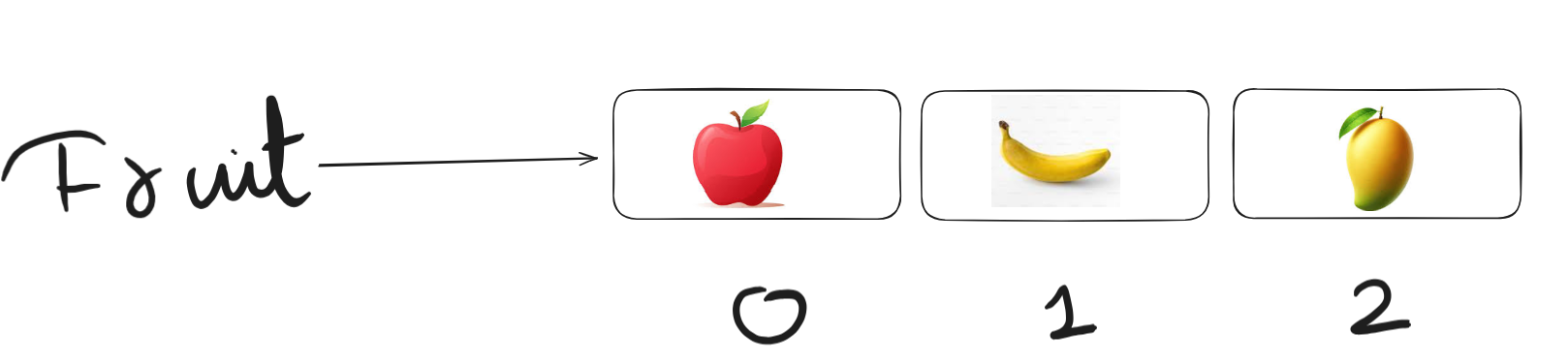
let fruits = ["Apple", "Banana", "Mango"]
Index positions:
0 → Apple
1 → Banana
2 → Mango
Access element using index.
console.log(fruits[0])
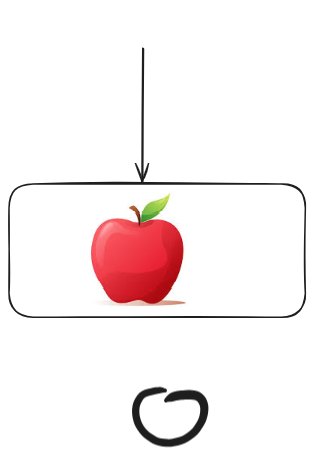
Output:
Apple
Updating Elements
We can change values in an array using the index.
Example:
let fruits = ["Apple", "Banana", "Mango"]
fruits[1] = "Orange"
console.log(fruits)
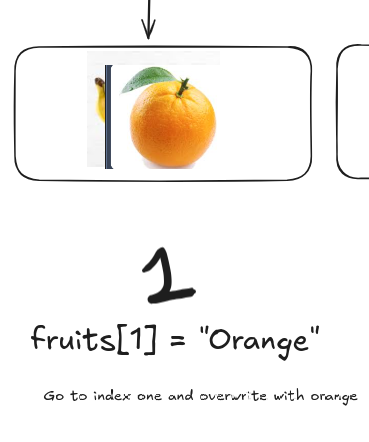
So we replaced Banana with Orange.
Array length Property
Arrays have a property called length.
It tells how many elements are inside the array.
Example:
let fruits = ["Apple", "Banana", "Mango"]

console.log(fruits.length)
Output:
3
Looping Through an Array
Many times we want to go through all elements of an array.
A common way is using a for loop.
Example:
let fruits = ["Apple", "Banana", "Mango"]

for(let i = 0; i < fruits.length; i++){
    console.log(fruits[i])
}
Output:
Apple
Banana
Mango
How it works:
Step 1 → start from index 0
Step 2 → check if i < fruits.length
Step 3 → print element
Step 4 → move to next index
The loop continues until all elements are printed.
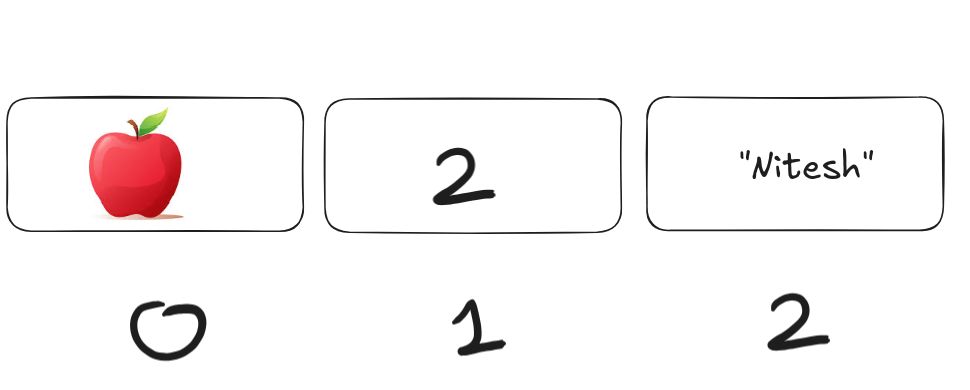
Thank you for reading and remember in starting i told you js is special so in js's arrays we can keep different type of data types.