Understanding Control Flow in JavaScript

In programming, control flow means the order in which the program runs instructions for example when you are walking on a road in case you have two path then you choose one of them same like that we have that concept in programming.
Normally code runs top to bottom. But many times we need the program to make decisions like you are choosing while walking to choose with path.
Just like in real life.
Example:
If it is raining → take umbrella
If marks are greater than 40 → pass
If age is greater than 18 → allow voting
Programming works same way.
The if Statement
if is used when we want to run code only if a condition is true.
Example: checking age.
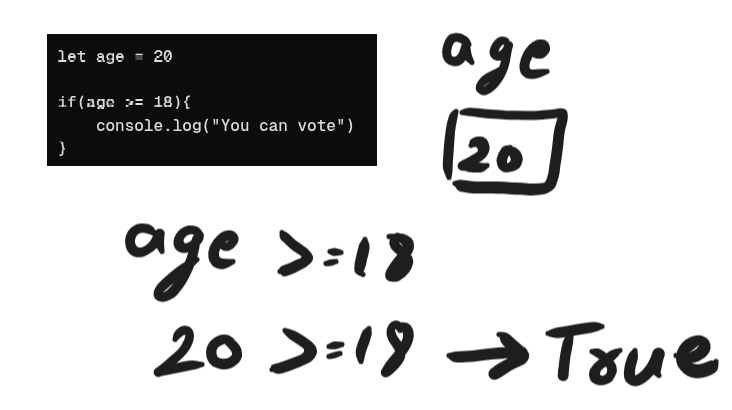
let age = 20

if(age >= 18){
    console.log("You can vote")
}
How code runs:
Step 1 → check condition age >= 18
Step 2 → if true, run the block
Output:
You can vote
Example:
let age = 15

if(age >= 18){
    console.log("You can vote")
}
Output:
(no output)
The if-else Statement
Sometimes we want two possible outcomes.
Example: pass or fail.
let marks = 30

if(marks >= 40){
    console.log("You passed")
}else{
    console.log("You failed")
}
How code runs:
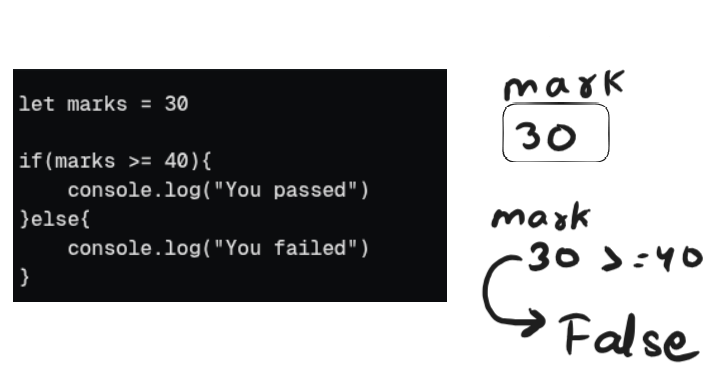
Step 1 → check marks >= 40
Step 2 → if true → run if block
Step 3 → if false → run else block
Output:
You failed
Simple Flow of conditions
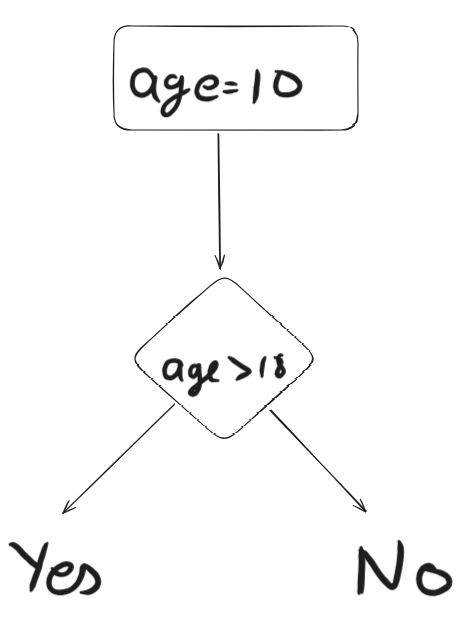
The else if Ladder
Sometimes there are multiple conditions.
Example: grading system.
let marks = 75

if(marks >= 90){
    console.log("Grade A")
}
else if(marks >= 70){
    console.log("Grade B")
}
else if(marks >= 50){
    console.log("Grade C")
}
else{
    console.log("Fail")
}
How it runs:
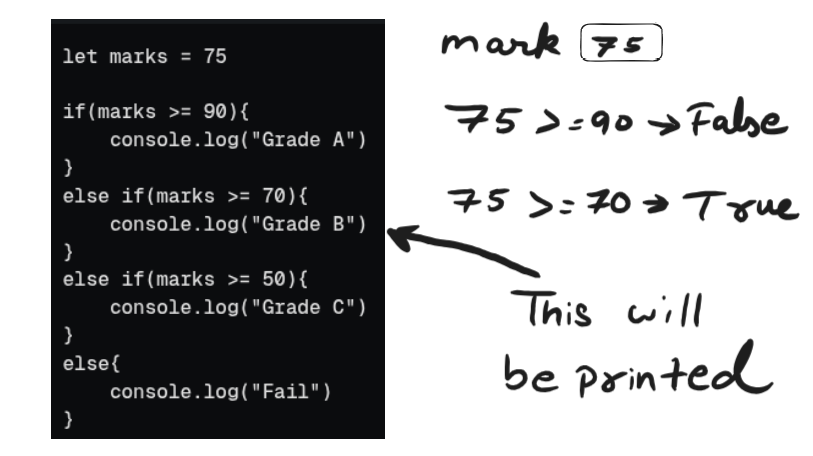
Step 1 → check first condition
Step 2 → if false, check next condition
Step 3 → continues until one condition becomes true
Output:
Grade B
Important:
Once a condition becomes true, remaining checks stop.
The switch Statement
switch is used when we compare one value with many possible cases.
Example: day of week.
let day = 3

switch(day){

    case 1:
        console.log("Monday")
        break

    case 2:
        console.log("Tuesday")
        break

    case 3:
        console.log("Wednesday")
        break

    case 4:
        console.log("Thursday")
        break

    case 5:
        console.log("Friday")
        break

    default:
        console.log("Invalid day")
}
Output:
Wednesday
Why break is important in switch
break stops the switch after a match.
If we remove break, the code will continue running next cases.
Example:
let day = 2

switch(day){

    case 1:
        console.log("Monday")

    case 2:
        console.log("Tuesday")

    case 3:
        console.log("Wednesday")
}
Output:
Tuesday
Wednesday
Because it keeps executing after match. So normally we always use break.
switch vs if-else
Use if-else when:
Conditions are in range
Conditions use comparisons (
>,<,>=)
Use switch when:
Checking exact values
Many possible options for one variable


